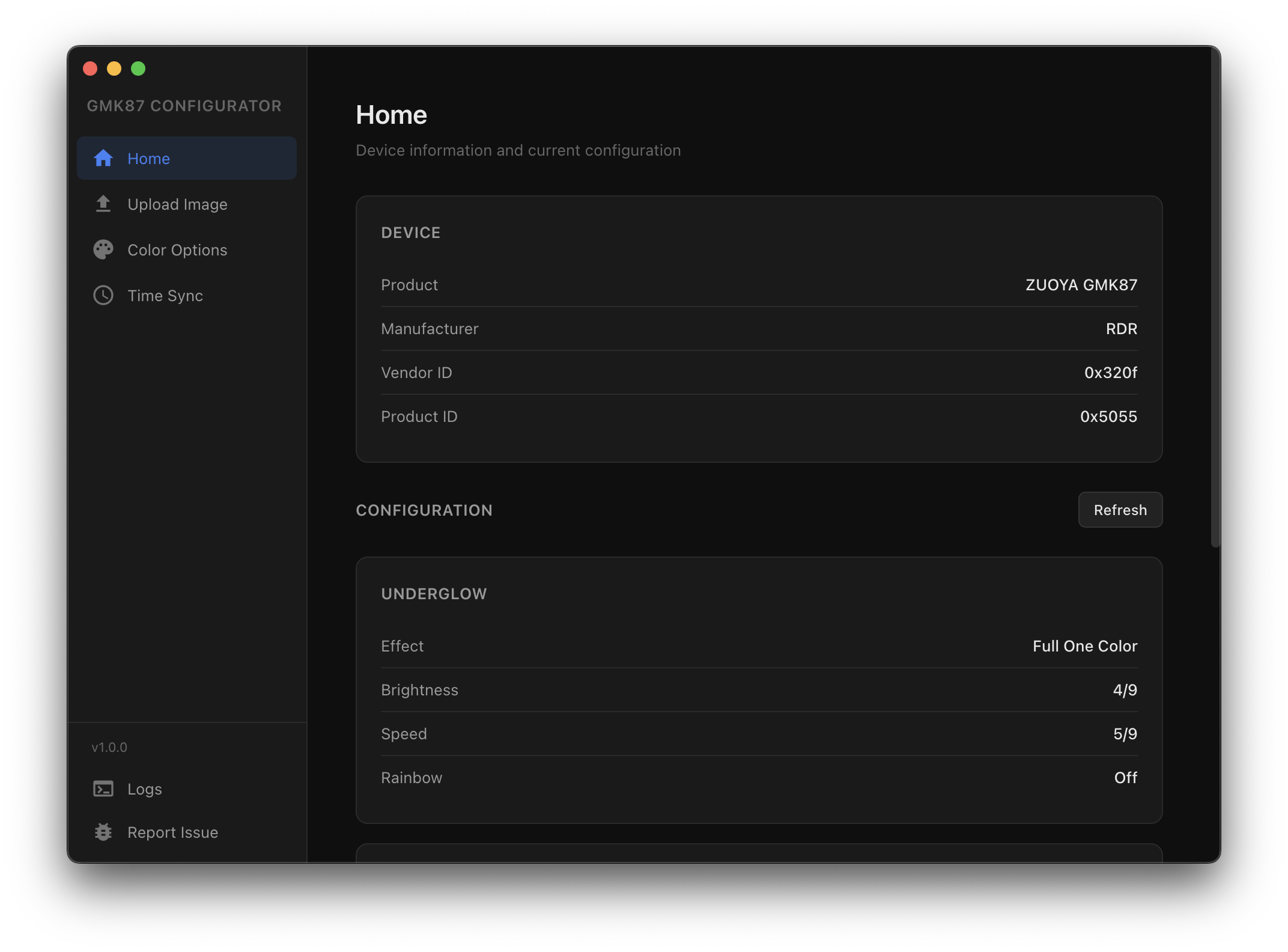
Drop screenshot.png in docs/
Full control over your GMK87 display, lighting, and clock. No proprietary software required.
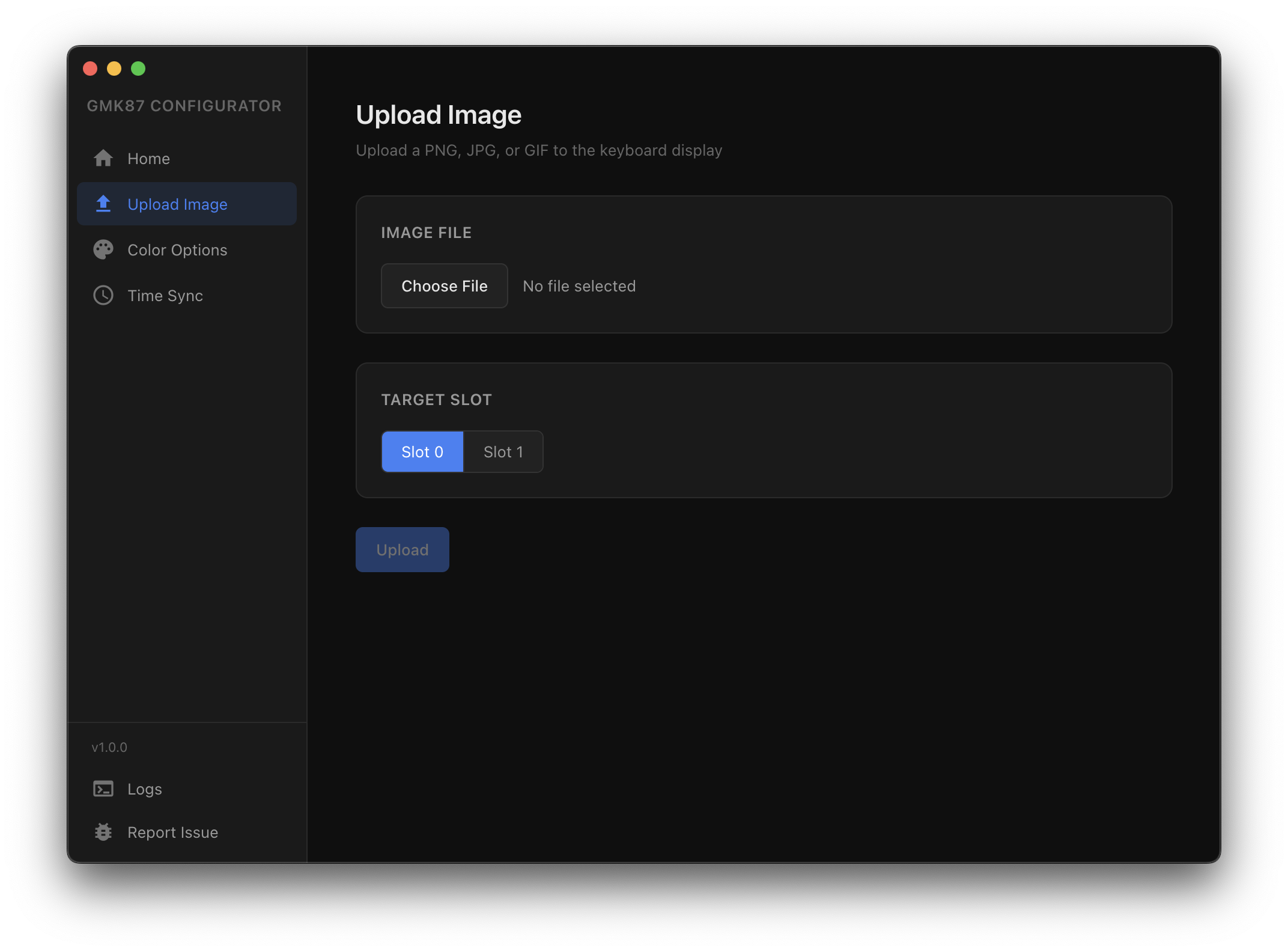
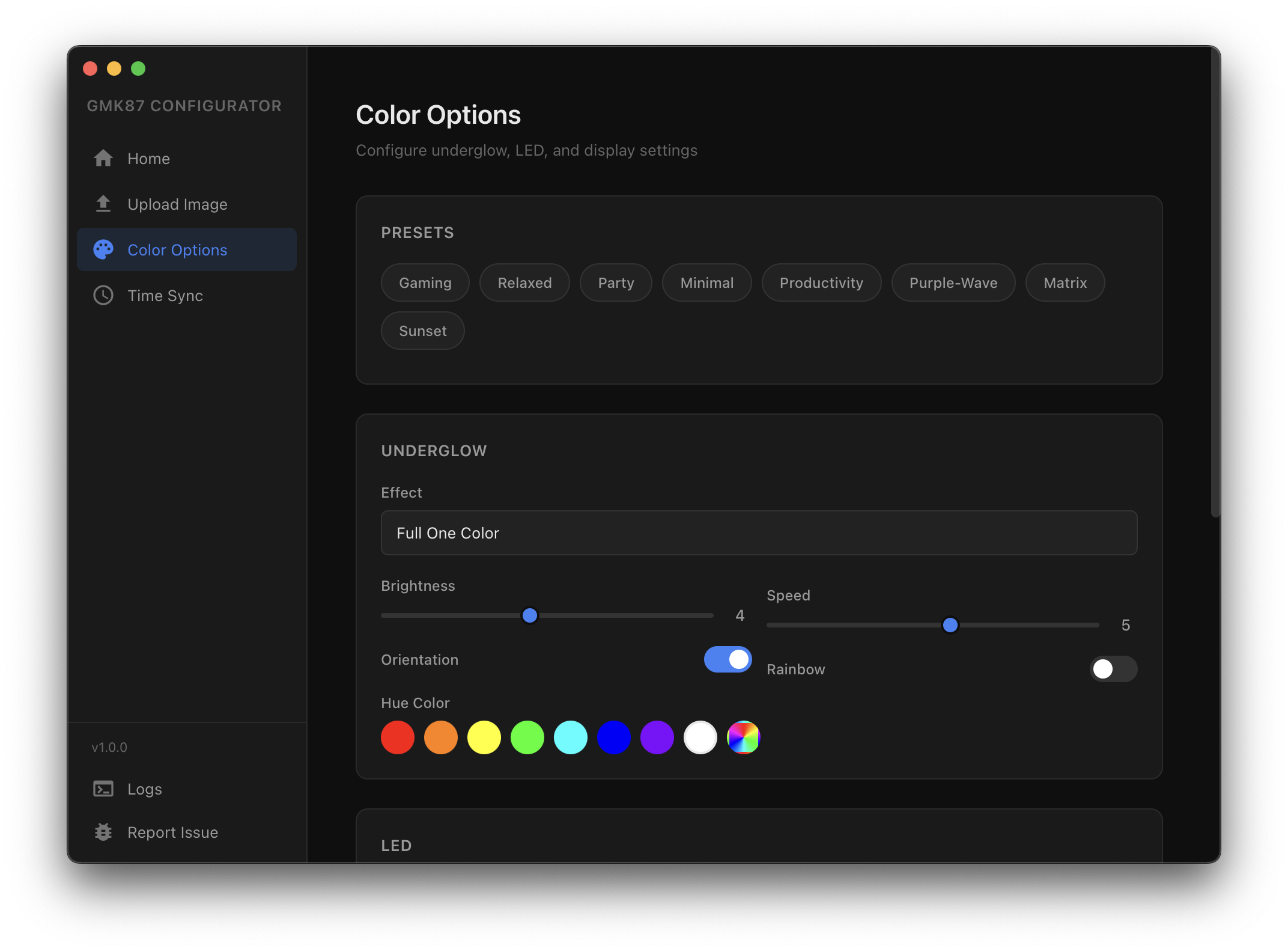
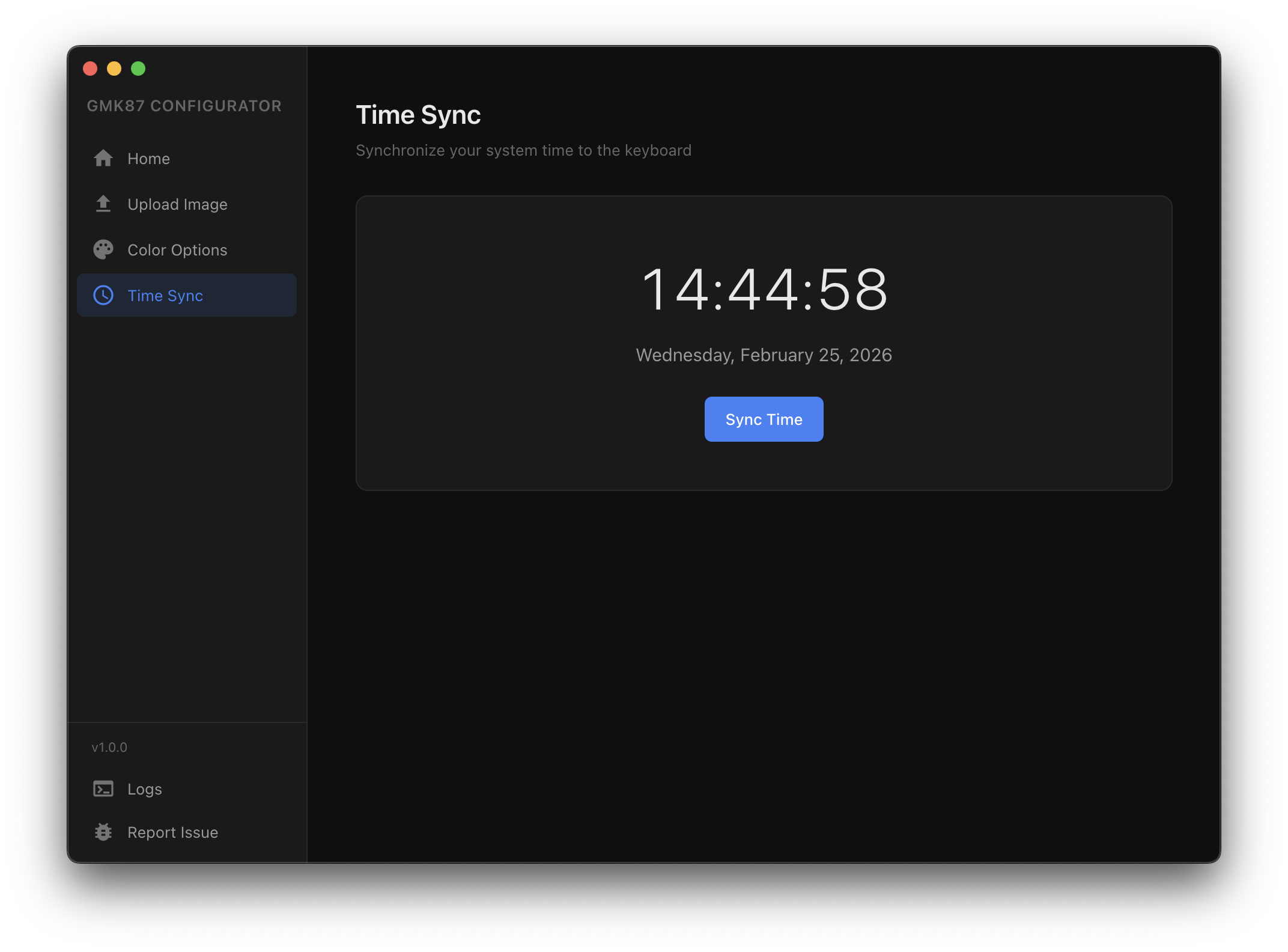
Desktop app, command line, or Node.js library. Pick what fits your workflow.
Drag and drop images, pick colors visually, apply lighting presets. Full GUI for macOS, Windows, and Linux. No terminal required.
DownloadStep-by-step guides for getting the most out of your GMK87 keyboard.
Install the GMK87 Configurator on macOS, Linux, or Windows and configure your keyboard for the first time.
Download the app, plug in your keyboard, and you're good to go. No terminal, no code, no setup required.
Download the appFree and open source. macOS, Windows, and Linux.
Developer docs
Terminal commands for controlling your GMK87 keyboard.
git clone https://github.com/codedgar/gmk87-node.git
cd gmk87-node
npm install
On Linux, copy the udev rules so the keyboard is accessible without root:
sudo cp 50-gmk87.rules /etc/udev/rules.d/
sudo udevadm control --reload-rules && sudo udevadm trigger| Command | Description |
|---|---|
npm run sendimage |
Upload images to the keyboard display |
npm run lights |
Configure keyboard lighting |
npm run preset |
Load a lighting preset |
npm run timesync |
Sync the keyboard clock |
Upload to both slots:
npm run sendimage -- --slot0 cat.png --slot1 dog.jpgUpload an animated GIF with custom frame delay:
npm run sendimage -- --slot0 animation.gif --ms 150Upload a single image to slot 1:
npm run sendimage -- --file image.png --slot 1| Flag | Description |
|---|---|
| --slot0 <path> | Image file for slot 0 |
| --slot1 <path> | Image file for slot 1 |
| --file <path> | Single image file |
| --slot <0|1> | Target slot (default: 0) |
| --ms <number> | Animation delay in ms (min 60, default 100) |
| --show <0|1|2> | Display mode after upload |
Set underglow effect and brightness:
npm run lights -- --effect rainbow-cycle --brightness 5Set custom RGB color with breathing effect:
npm run lights -- --effect breathing --red 255 --green 0 --blue 0Set LED color and mode:
npm run lights -- --led-color blue --led-mode 3| Flag | Description |
|---|---|
| --effect <name> | Underglow effect (0-18 or name) |
| --brightness <0-9> | Brightness (0=off, 9=max) |
| --speed <0-9> | Effect speed (0=fast, 9=slow) |
| --red / --green / --blue | RGB values (0-255 each) |
| --led-mode <0-4> | LED mode |
| --led-color <name> | LED color (red, blue, green, etc.) |
| --show-image <0|1|2> | Display mode (0=time, 1=slot 0, 2=slot 1) |
Apply a preset:
npm run preset gamingList all available presets:
npm run preset -- --listNode.js library for programmatic control of the GMK87 keyboard.
npm install codedgar/gmk87-node// Named imports
import { uploadImage, setLighting, syncTime } from 'gmk87-hid-uploader/src/api.js'
// Default import
import gmk87 from 'gmk87-hid-uploader/src/api.js'uploadImage(imagePath, slot?, options?)
Upload an image or animated GIF to the keyboard display. Supports PNG, JPG, BMP, and GIF (up to 36 frames).
| Param | Type | Description |
|---|---|---|
| imagePath | string | Path to the image file |
| slot | number | Target slot: 0 or 1 (default: 0) |
| options.slot0File | string | Image path for slot 0 |
| options.slot1File | string | Image path for slot 1 |
| options.frameDuration | number | Animation delay in ms (min 60) |
| options.showAfter | boolean | Display image after upload (default: true) |
await uploadImage('./cat.png', 0)

// Upload to both slots
await uploadImage('./cat.png', 0, {
  slot0File: './cat.png',
  slot1File: './dog.jpg'
})

// Upload animated GIF
await uploadImage('./animation.gif', 0, { frameDuration: 150 })setLighting(changes)
Configure underglow and LED settings. Uses read-modify-write to preserve unspecified settings.
| Param | Type | Description |
|---|---|---|
| changes.underglow.effect | number | Effect index (0-18) |
| changes.underglow.brightness | number | Brightness (0-9) |
| changes.underglow.speed | number | Speed (0-9) |
| changes.underglow.hue | object | { red, green, blue } each 0-255 |
| changes.led.mode | number | LED mode (0-4) |
| changes.led.color | number | LED color (0-8) |
| changes.showImage | number | Display (0=time, 1=slot 0, 2=slot 1) |
await setLighting({
  underglow: {
    effect: 11,         // rainbow-cycle
    brightness: 5,
    hue: { red: 255, green: 0, blue: 128 }
  },
  led: { mode: 3, color: 5 }  // fixed blue
})showSlot(slot)
Switch the displayed image slot. Convenience wrapper for setLighting({ showImage: slot }).
| Param | Type | Description |
|---|---|---|
| slot | number | 0 = time, 1 = slot 0, 2 = slot 1 |
await showSlot(1)  // show image in slot 0
await showSlot(0) // show timesyncTime(date?)
Sync system time to keyboard. Uses read-modify-write to preserve all other settings.
| Param | Type | Description |
|---|---|---|
| date | Date | Date to sync (default: now) |
await syncTime()                         // sync current time
await syncTime(new Date('2025-12-25')) // sync specific datereadConfig()
Read current keyboard configuration including lighting, display, and time settings.
const config = await readConfig()
console.log(config)
// {
//   underglow: { effect, brightness, speed, orientation, rainbow, hue },
//   led: { mode, saturation, rainbow, color },
//   showImage,       // 0, 1, or 2
//   image1Frames,    // frame count in slot 0
//   image2Frames,    // frame count in slot 1
//   frameDuration,   // animation delay in ms
//   time: { second, minute, hour, dayOfWeek, date, month, year }
// }getKeyboardInfo()
Get keyboard device info without opening the device. Safe to call on any platform.
const info = getKeyboardInfo()
// { manufacturer, product, vendorId: 0x320f, productId: 0x5055 }